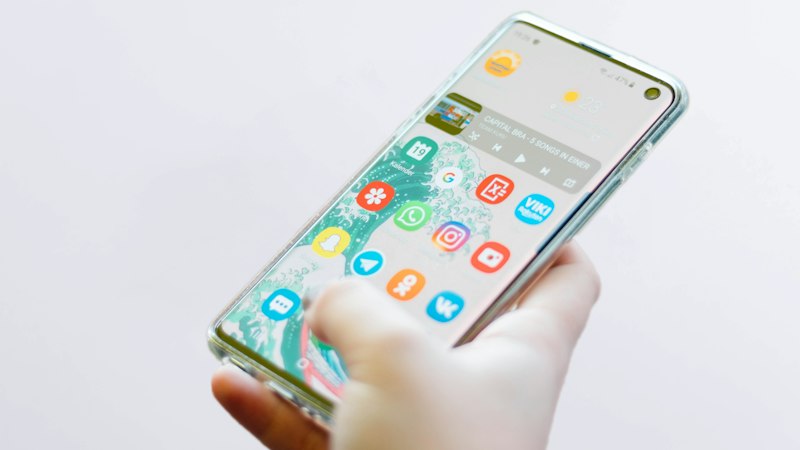
Stories vanish after 24 hours unless the owner saves them to Highlights or you capture them while they are live. On Android you can use Instagram’s built-in save for your own Stories, or a link-based workflow for some public Stories when a valid URL is available.
Save your own Story (no third-party tool)
- Post or open your active Story.
- Tap the ··· (More) menu on the Story viewer.
- Choose Save or Save video/photo—wording varies by version.
- Check Gallery or Google Photos; the item is stored locally on your device.
This path is the most reliable for content you created because Instagram already has full access to your file.
Saving someone else’s public Story
You may only save another person’s Story if it is public and still live. Copy the profile link or Story link from Share, paste it into FastSave, and download only if the tool returns an option. If nothing is returned, the Story may be private, expired, or not exposed to link-based access.
Highlights are different from live Stories
Highlights are archived Story frames on a profile. Treat them like normal post links: open the Highlight, copy the link if Instagram provides one, and paste into FastSave. Not every Highlight has a shareable URL—when sharing is disabled, ask the creator directly.
Android-specific tips
- Use Chrome or your default browser for FastSave; avoid in-app browsers inside other social apps when pasting links.
- Grant storage permission if the browser asks when saving video.
- On low storage, delete old Downloads before saving large Story videos.
- Disable battery saver for your browser if downloads stall mid-way.
Legal and etiquette reminders
Saving someone else’s Story for republication can violate copyright or platform terms even when technically possible. Keep copies for personal reference, credit creators when reposting with permission, and never bypass privacy controls.
What will not work
- Private or close-friends Stories.
- Stories older than 24 hours that were not added to Highlights.
- Screenshots of video Stories when you needed full motion and audio—use a proper download when available instead.